BYTEROT - retro PCs, consoles and lost software
homearticleshow-toswhat's newlibraryrepaircommunityconnectcontributelinks
» ftp ftp.byterot.net  ::  irc #retro on irc.fxnet.org (3 here)  ::  2,186 releases  ::  25,577 library files18.11.2026
MAIN MENU::
HOME01
ARTICLES02
HOW-TOS03
WHAT'S NEW04
LIBRARY05
> REPAIR06
COMMUNITY07
CONNECT08
CONTRIBUTE09
LINKS10

GET AN ACCOUNT::
Accounts are free. Join #retro on irc.fxnet.org, identify with NickServ and type !req.
[how]

IRC::
#retro on irc.fxnet.org
6697 ssl · 6667 plain
modern + vintage clients welcome
[vintage how-to]

WHO'S AROUND::
3 people in #retro
okawari, synmuffin, thelounge76
nobody on the FTP
last upload: Archived Windows 3.0 - 11 ISO B... by archiveorg, 35d ago
as of 21:42 EST · [community]

SECTIONS::

OS


1551

DRIVERS


61

SOFTWARE


22

GAMES


10

UTILS


37

DOCS


505

INCOMING


0

REQUESTS


0

LIBRARY


25577

SOME STATS::
releases2,186
last 24h+0
online1.7 TB
library1.4 TB
members1
updated2026-11-18 21:42

HOW TO REPAIR A SCRATCHED CD::
DeviceCD Player
DifficultyVery easy
Time5 - 10 minutes
Steps6
This guide is by Emma Larson on iFixit and is licensed under Creative Commons Attribution-NonCommercial-ShareAlike 3.0. ByteRot mirrors it for non-commercial preservation: formatting changed and photos resized for old browsers; full-size photos and the text are on the FTP in /DOCS/REPAIR. Original guide >>

This technique works by using a rubbing compound that contains a grit to wear down deeper scratches on the CD. It also utilizes car wax to fill any remaining scratches, protect the CD, and keep the CD clean. Please note that this method will only work for CDs and DVDs, but will not work for Blu-Ray discs, as they are made of a harder material. Therefore, trying to wear down scratches with a rubbing compound would prove unsuccessful on a Blu-Ray disc.

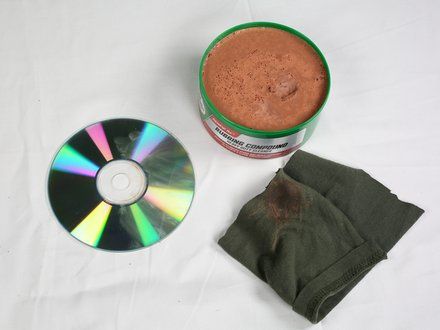
Tools: Rubbing Compound; Car Wax; Cotton Rag


STEP 1::
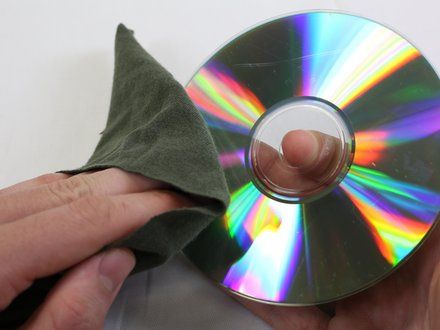
[step 1 photo]
• Rinse the disc with water and wipe clean to remove any dust or dirt.

STEP 2::
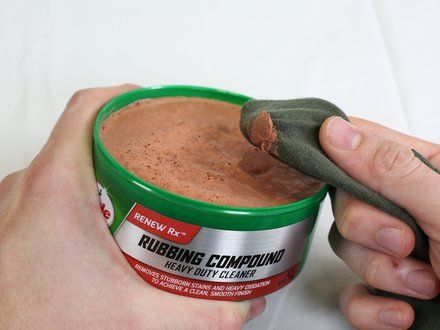
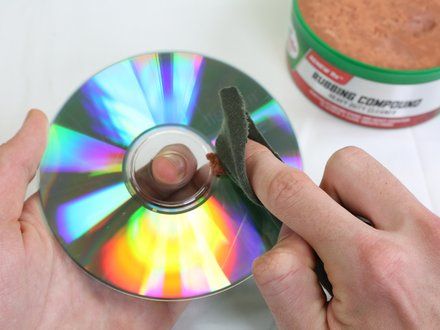
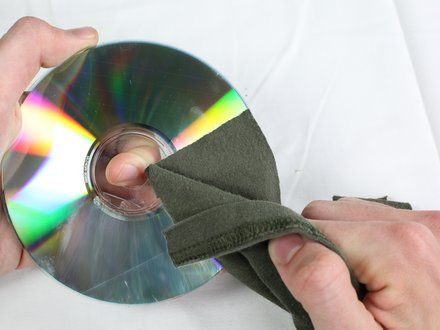
[step 2 photo] [step 2 photo] [step 2 photo]
• Apply a rubbing compound, moving from the center of the disc outwards.
    • NOTE: Use enough force to create a mirror polished surface when rubbing compound application is complete.
    • NOTE: We found that applying the rubbing compound for at least 30 seconds to 1 minute is sufficient.

STEP 3::
[step 3 photo]
• Let the CD sit for 5 minutes.

STEP 4::
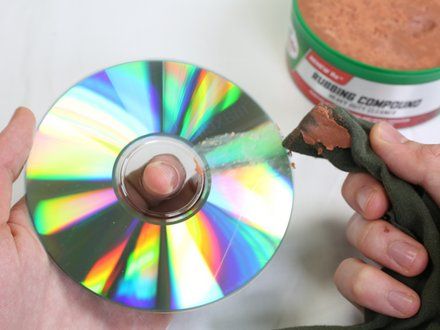
[step 4 photo] [step 4 photo]
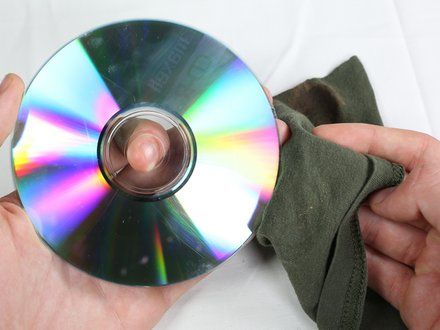
• Wipe the CD clean with a new rag, removing any excess compound.

STEP 5::
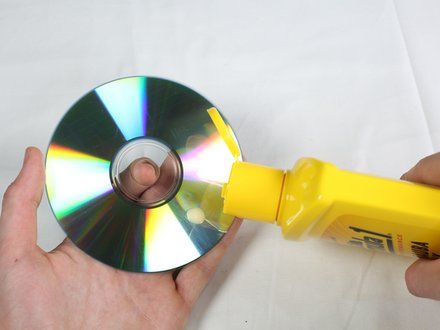
[step 5 photo] [step 5 photo] [step 5 photo]
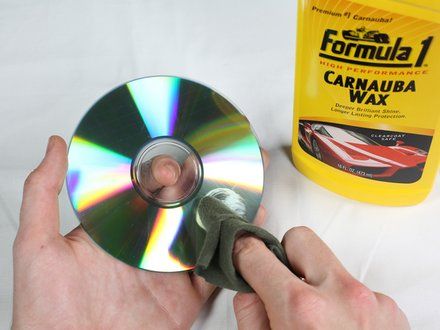
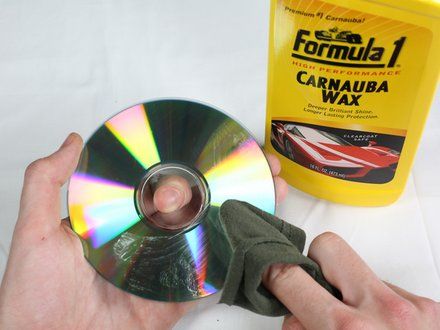
• Apply a thin coat of car wax directly to the CD, using a circular application method.
• NOTE: Apply in either small circular motions or large motions that follow the circumference of the disc.

STEP 6::
[step 6 photo] [step 6 photo]
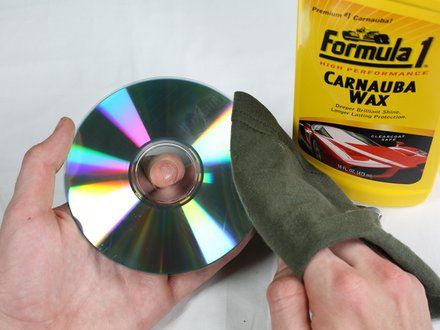
• Wipe the CD clean, removing any excess wax.

CONCLUSION::
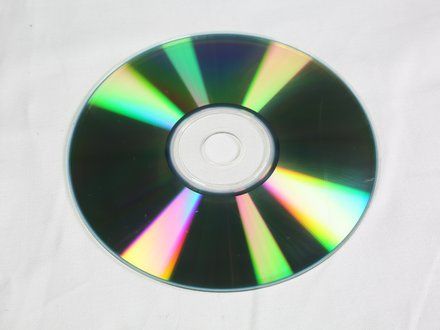
Congratulations! You have successfully repaired the scratched CD!

CREDIT::
This guide is by Emma Larson on iFixit and is licensed under Creative Commons Attribution-NonCommercial-ShareAlike 3.0. ByteRot mirrors it for non-commercial preservation: formatting changed and photos resized for old browsers; full-size photos and the text are on the FTP in /DOCS/REPAIR. Original guide >>
[all repair guides]

[ BYTEROT / OLD BITS FOR OLD MACHINES ]

[ByteRot] [FTP] [IRC] [Any Browser] [HTML 3.2]
© 2026 ByteRot · plain HTML 3.2, no JavaScript: works in Mosaic, Netscape, IE, Lynx and whatever you're using now · best viewed at 800x600 · built 2026-11-18