|  | | Accounts are free. Join #retro on irc.fxnet.org, identify with NickServ and type !req. |
| |
|
|  | | |
| | #retro on irc.fxnet.org
6697 ssl · 6667 plain
modern + vintage clients welcome |
| |
|
| | | |
| | 3 people in #retro
okawari, synmuffin, thelounge76
nobody on the FTP
last upload: Archived Windows 3.0 - 11 ISO B... by archiveorg, 35d ago |
| as of 21:42 EST ·  |
|
|
| | | |
| | | releases | 2,186 | | last 24h | +0 | | online | 1.7 TB | | library | 1.4 TB | | members | 1 | | updated | 2026-11-18 21:42 |
|
|
|
| | | |
| |
| | 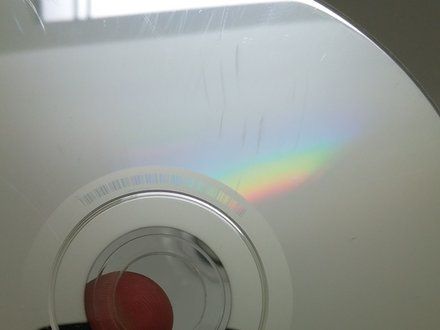
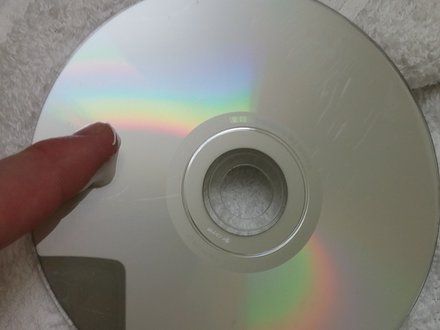
• Identify any scratches.
• NOTE: Some scratches may be too deep to be removed. In this case, this method may not work.
|
|
|
| | | |
| | 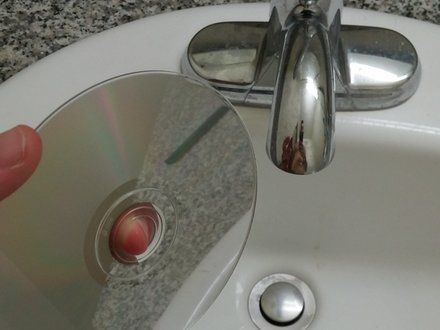
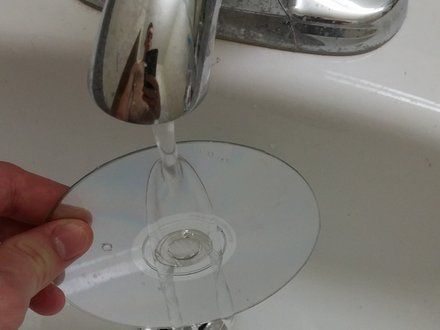
• Take the CD to the sink.
• Wash with lukewarm water to remove any dust or dirt.
|
|
|
| | | |
| | 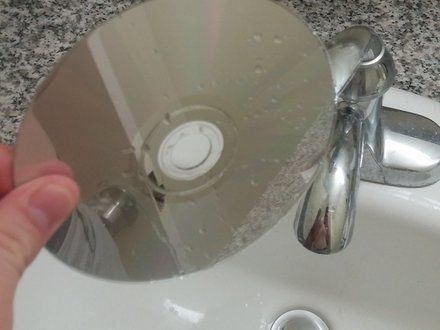
• Let the CD air dry, or dry with towel.
• NOTE: Use a non-linen towel or your CD will need to be washed again.
|
|
|
| | | |
| | 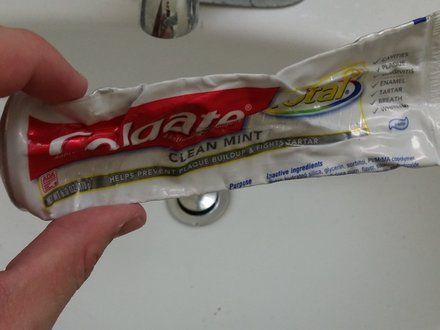
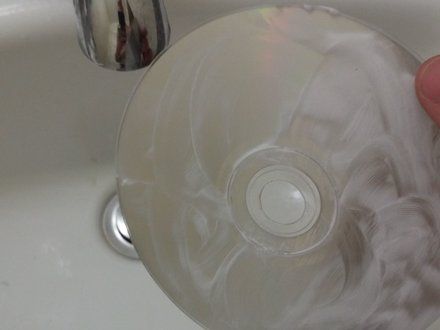
• Take the toothpaste, and apply it to your index finger.
• Rinse the toothpaste in lukewarm water and apply to the CD.
• Rub toothpaste in a circular motion from the center to the outer edge.
• Add multiple layers of toothpaste to cover all of the scratches.
• CAUTION: Use a white toothpaste, not a gel. Gels containing little beads may cause more damage to the CD.
|
|
|
| | | |
| | 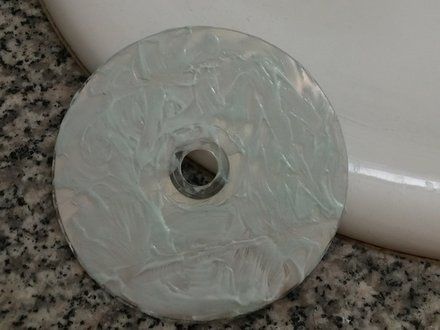
• Let the CD sit for 2 to 3 minutes.
|
|
|
| | | |
| | 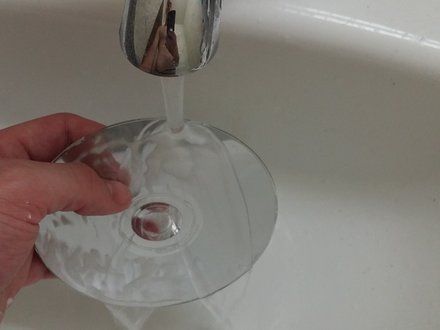
• Rinse off the toothpaste with lukewarm water.
|
|
|
| | | |
| | 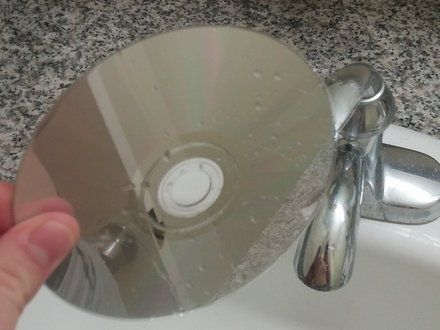
• Let the CD air dry, or dry with a non-linen towel.
• NOTE: Use a non-linen towel or your CD will need to be washed again.
|
|
|
| | | |
| | 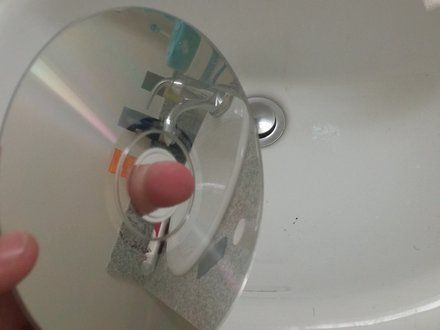
• Inspect your disk.
• If your disk still has scratches, repeat the process.
• NOTE: You could also try to burn the disk onto another disk if the disk is lagging.
|
|
|
| | | |
| | | To reassemble your device, follow these instructions in reverse order. |
|
|
| | | |
|

















