|  | | Accounts are free. Join #retro on irc.fxnet.org, identify with NickServ and type !req. |
| |
|
|  | | |
| | #retro on irc.fxnet.org
6697 ssl · 6667 plain
modern + vintage clients welcome |
| |
|
| | | |
| | 3 people in #retro
okawari, synmuffin, thelounge76
nobody on the FTP
last upload: Archived Windows 3.0 - 11 ISO B... by archiveorg, 35d ago |
| as of 21:42 EST ·  |
|
|
| | | |
| | | releases | 2,186 | | last 24h | +0 | | online | 1.7 TB | | library | 1.4 TB | | members | 1 | | updated | 2026-11-18 21:42 |
|
|
|
| | | |
| |
| | 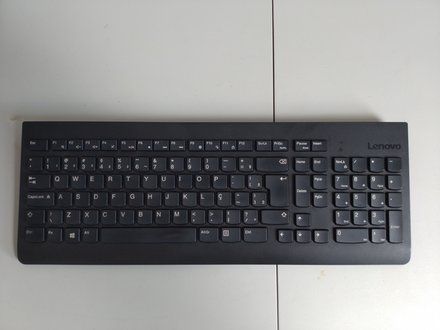
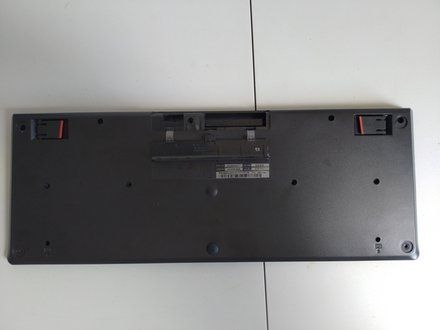
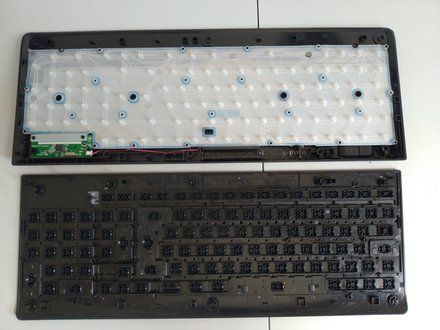
• Open the keyboard by removing 11 small Philips screws.
• When opening a keyboard always open it whit the keys sides turned down. Because if you open it with the keys turned up depending on the keyboard model the keys will fall off.
|
|
|
| | | |
| | 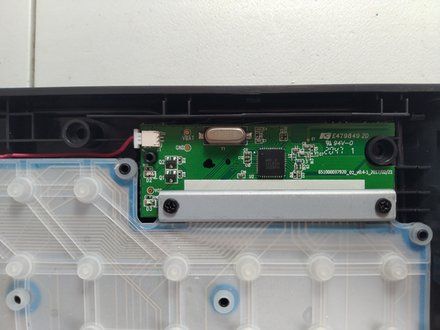
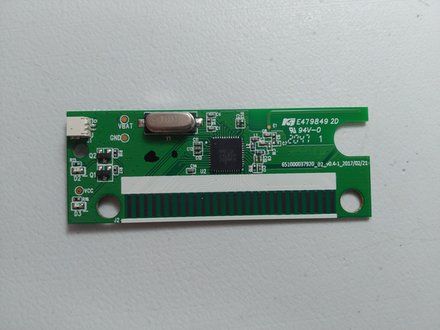
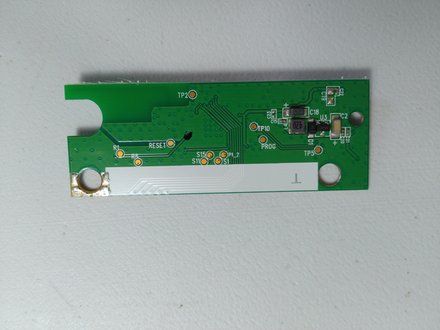
• Just a detail of the keyboard circuit.
• You dont need to mess up here unless the battery acids reached the circuit area.
• If the circuit is contaminated with acids or corrosion. Just clean it whit isopropyl alcohol and a tooth brush.
|
|
|
| | | |
| | 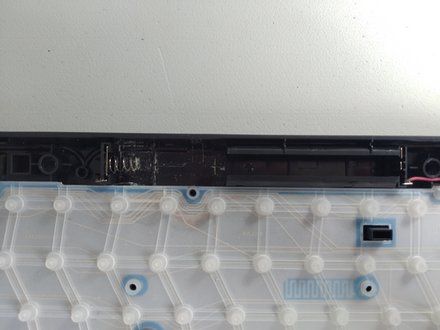
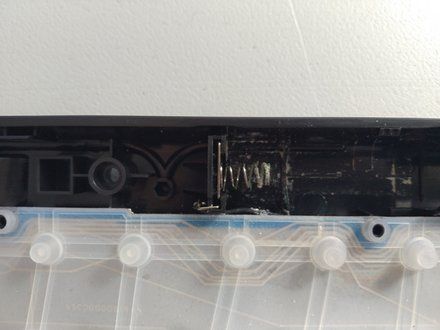
• Celan the batery slot whit isopropyl alcohol and tooth brush.
• Brush it until it became clean and use a piece of old cloth the dry the e excess of alcohol.
|
|
|
| | | |
| | 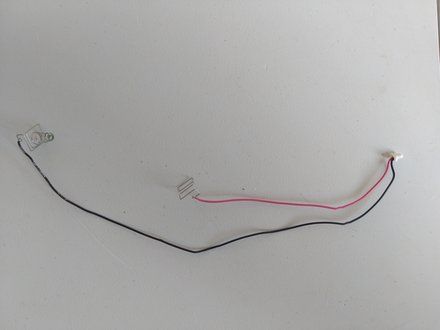
• Completely remove the power cable.
• You will clean it using a homemade chemical solution composed of vinegar and salt. The same solution used to clean old coins.
• On a mall cup of tea add vinegar until it almost fill up and add a small tea spoon of salt and mix it up until the salt dissolve.
• Drop the contained metallic part inside the solution and wait for about 10 minutes.
• Remove it and check if the corrosion was removed. If not repeat the process for more 10 minutes. Dot not forget the metal inside the solution for a time longer than10 minutes or the solution will star to corrode the metal and make things worse.
• Finish it by cleaning it with a tooth brush and alcohol isopropyl.
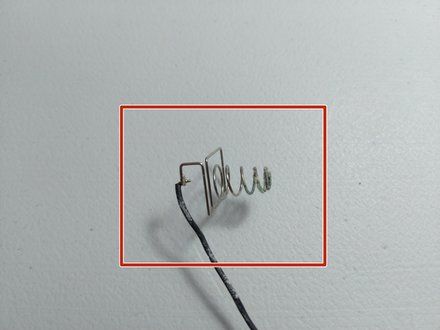
• Before clean.
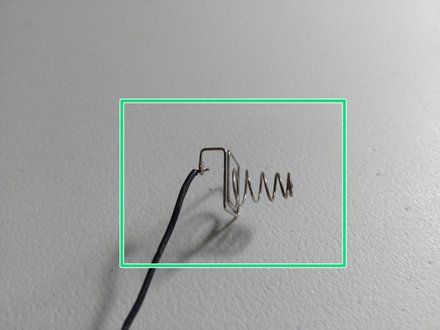
• After clean
|
|
|
| | | |
|




















