|  | | Accounts are free. Join #retro on irc.fxnet.org, identify with NickServ and type !req. |
| |
|
|  | | |
| | #retro on irc.fxnet.org
6697 ssl · 6667 plain
modern + vintage clients welcome |
| |
|
| | | |
| | 3 people in #retro
okawari, synmuffin, thelounge76
nobody on the FTP
last upload: Archived Windows 3.0 - 11 ISO B... by archiveorg, 35d ago |
| as of 21:42 EST ·  |
|
|
| | | |
| | | releases | 2,186 | | last 24h | +0 | | online | 1.7 TB | | library | 1.4 TB | | members | 1 | | updated | 2026-11-18 21:42 |
|
|
|
| | | |
| |
| | 
• This other guide is going to instruct you how to disassemble and reassemble the controller properly.
• DualShock 2 Disassembly (https://www.ifixit.com/Guide/DualShock+2+Disassembly/50763)
|
|
|
| | | |
| | 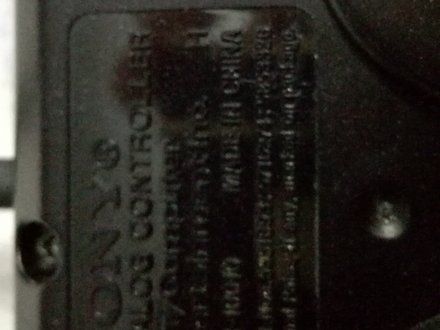
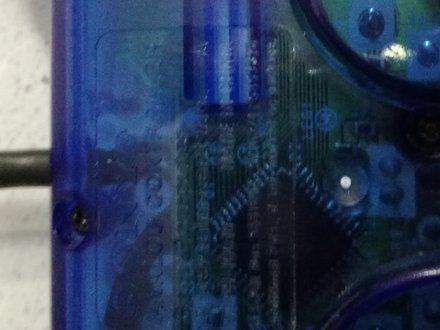
• There is many version of these controllers. You need to figure out if you have the SCPH-10010 H or the SCPH-10010 A since their issues are unique and different.
|
|
|
| | | |
| | 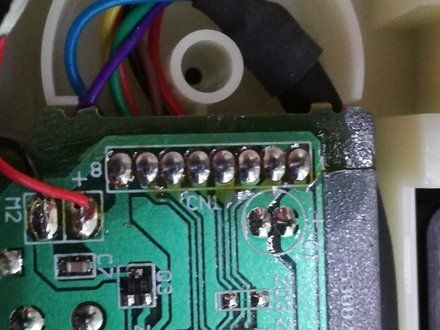
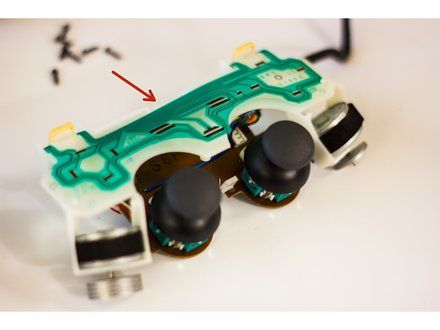
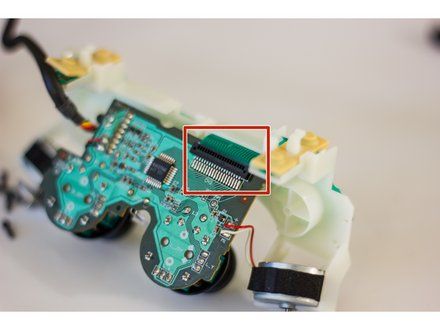
• SCPH-10010 H: The initial DualShock 2 is born to corrode if not used for a long period of time. Check all the soldering spot on the PCB and try to find any spot of corroding.
• Take the flexible PCB and look for discoloration of the contact lines.
• Disassemble the flexible PCB to hard PCB connector by pulling the two small switches on each side and gently pull the flexible PCB end. (This doesn't require force, be careful or you will break your controller).
• Clean everything with Q-tips and Isopropyl alcohol.
|
|
|
| | | |
| | 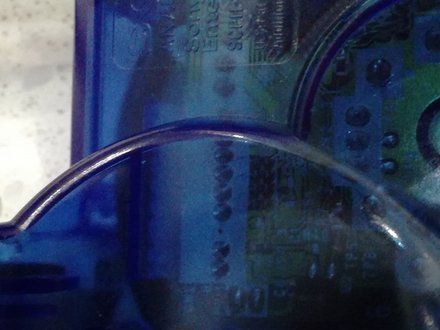
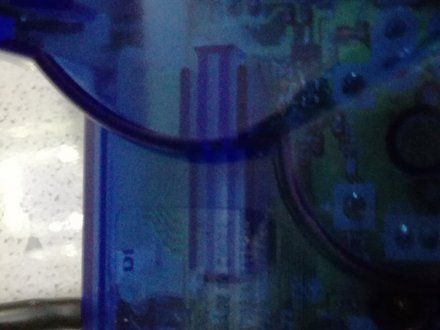
• SCPH-10010 A: This one is easier to fix. (I didn't open the controller to show the details, but focus on these 2 spots shown in the pictures)
• Look for any corrosion on the soldering joints.
• Look for any discoloration on the Flexible PCB and its connector.
• Clean everything with Q-tips and Isopropyl alcohol.
• Remove the small cushion at the back of the controller shell.
• Take 2 cm of masking tape, roll it and put it under the cushion to give more pressure to the cushion on the flexible PCB connector.
|
|
|
| | | |
| | 
• DualShock 2 malfunctions are usually caused by short circuits due to degradation of circuit lines, however they are easy to fix.
• You can fix it by cleaning all connections and make sure the contacts are not obstructed or disfunctional.
• Make sure the flexible PCB is properly seated for having an optimal contact.
• Don't forget to never force any components back together. Everything should be easy to assemble again, just be patient and you will be able to use back your controller.
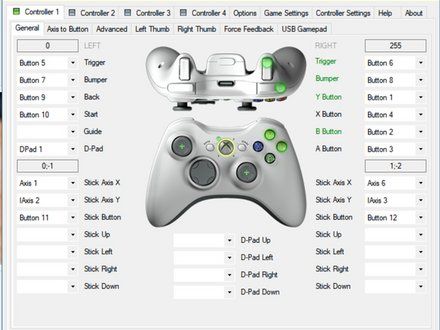
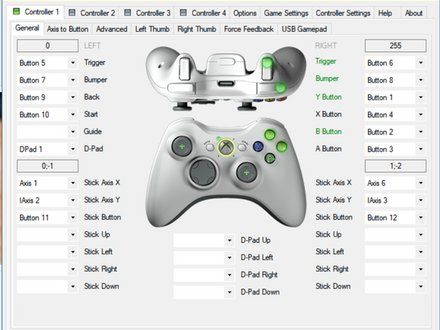
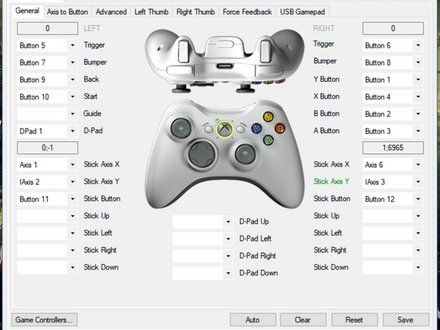
• A good way to test your controller is to use a USB adapter and x360ce on PC. If something is abnormal, you will notice. You will need to look at your controller again, however I fixed all my controllers with random input issues, and so should you.
|
|
|
| | | |
| | • I made this tutorial because I couldn't find anything over the internet and I had to figure the issues myself. As an Electrical Engineer, that was the least I could do. One thing to mention, electronics rarely turn bad all of a sudden and they can be repaired in most cases.
|
|
|
| | | |
|






















